
/
Scan Widget Design
Scan Widget Design
Mobile Banking App · Thai Major Bank (5M users) | Aug–Oct, 2024

Role & Contribution
role
Team
Me, 2 Mentors, 1 UX Writer, PMs, Devs, Cross‑functional stakeholders
Duration
3 months (Aug–Oct 2024)
Skills Applied
User & Market Research / Mobile Design / Multi-Platform UX / Design Systems / Developer Handoff
Core Responsibilities
Project Details
In 2024, With PromptPay and QR payments becoming the standard in Thai mobile banking. Every major player offered "Scan to Pay" but user journey remained frustrating.

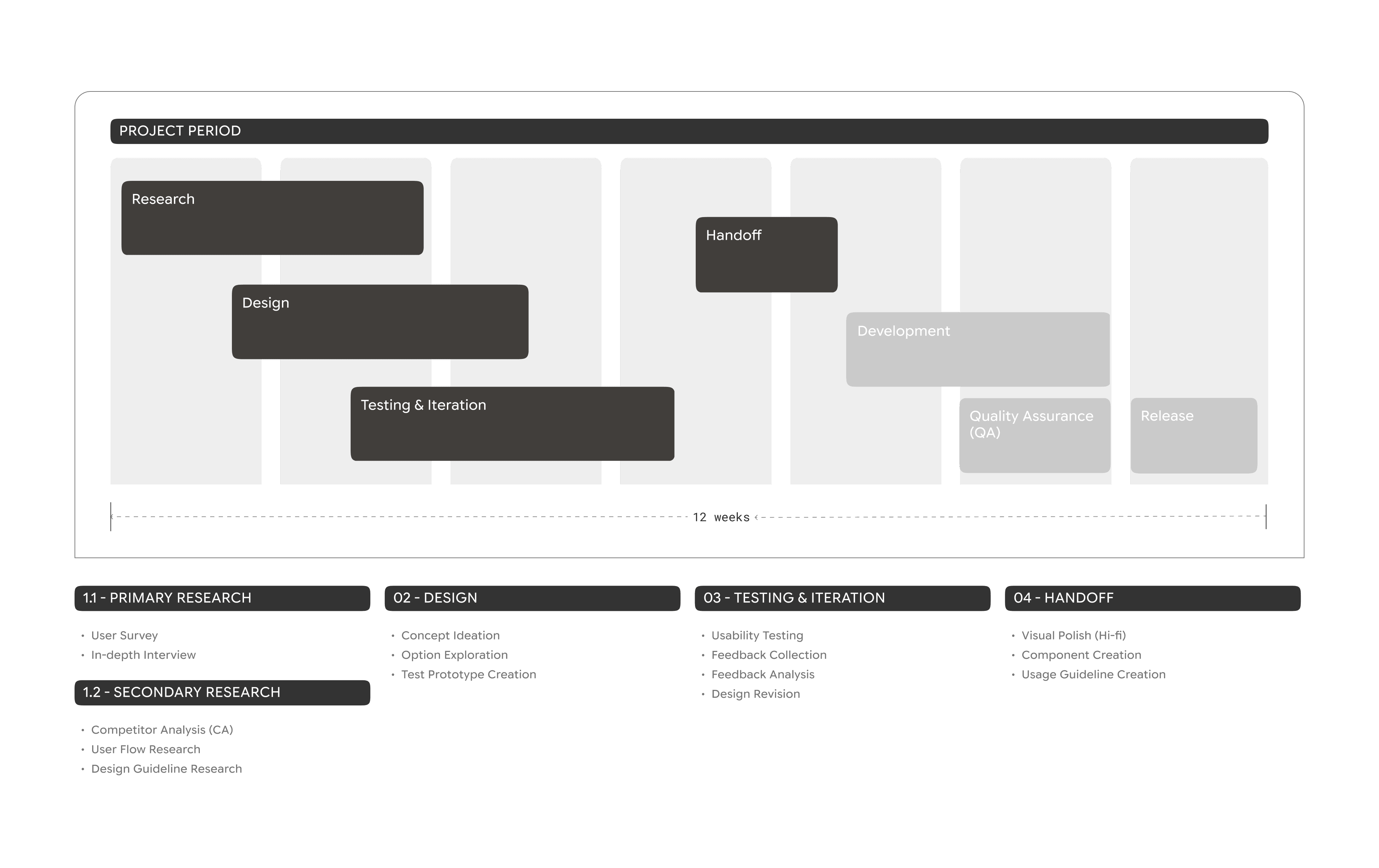
TIMELINE
APPROACH & PROCESS
To understand the "why" behind widget adoption, I combined qualitative interviews with quantitative surveys.
Mixed-Methods (N=50)
• 8 in‑depth interviews (45–60 mins) with heavy vs. occasional users
• 42 surveys to understand widget awareness, usage frequency, and user expectation
Segments & Insights
heavy Users
Use Bank/Other apps widget
Key Pain Points
Solution
Lock-screen access
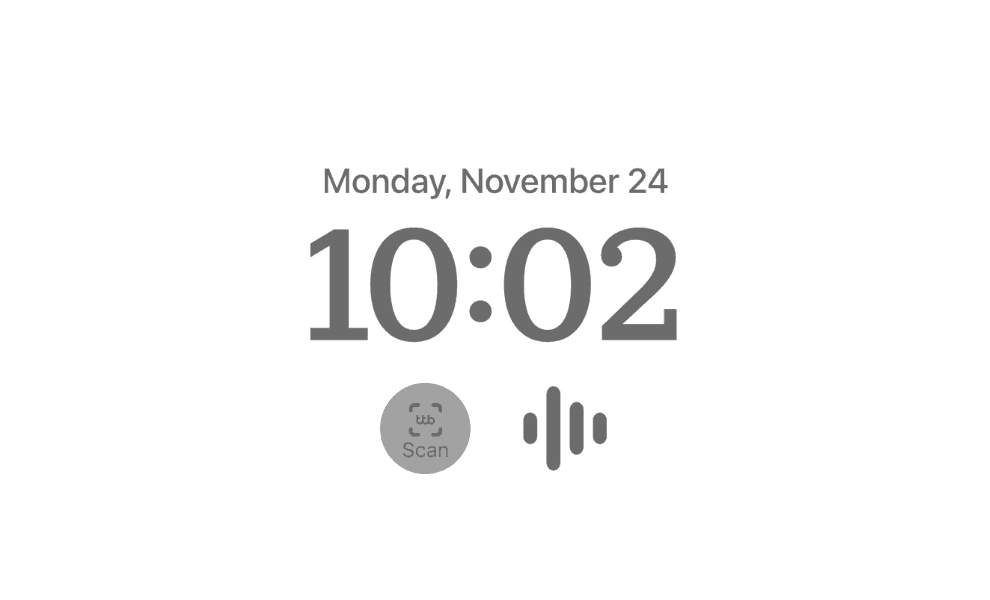
Glanceable circular iOS widget
occasional Users
Rarely use widgets
Key Pain Points
Solution
Simple & clear visual cues
Single-tap activation
Brand-consistent visual hierarchy
81.8%
faster intent-to-action
85.7%
had used widgets before
but forgot they existed
Platform research
Platform analysis
iOS (iOS 17+)
Highlights
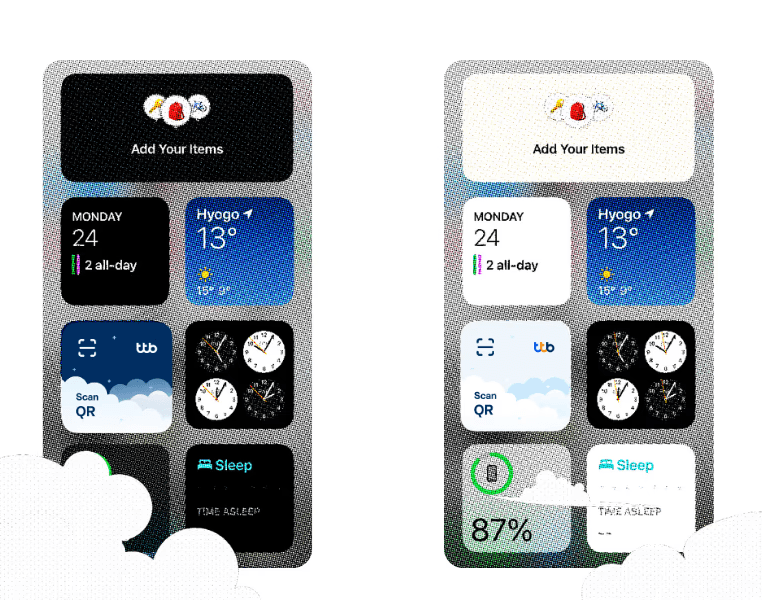
Surfaces: Home Screen, Today View, Lock Screen
Circular lock‑screen widgets supported
Strict guidelines on size, tap targets, and legibility




Android (Android 14+)
Highlights
Widgets resizable by the user
High flexibility in placement, background transparency, and grid layouts
12 breakpoint compatibility required
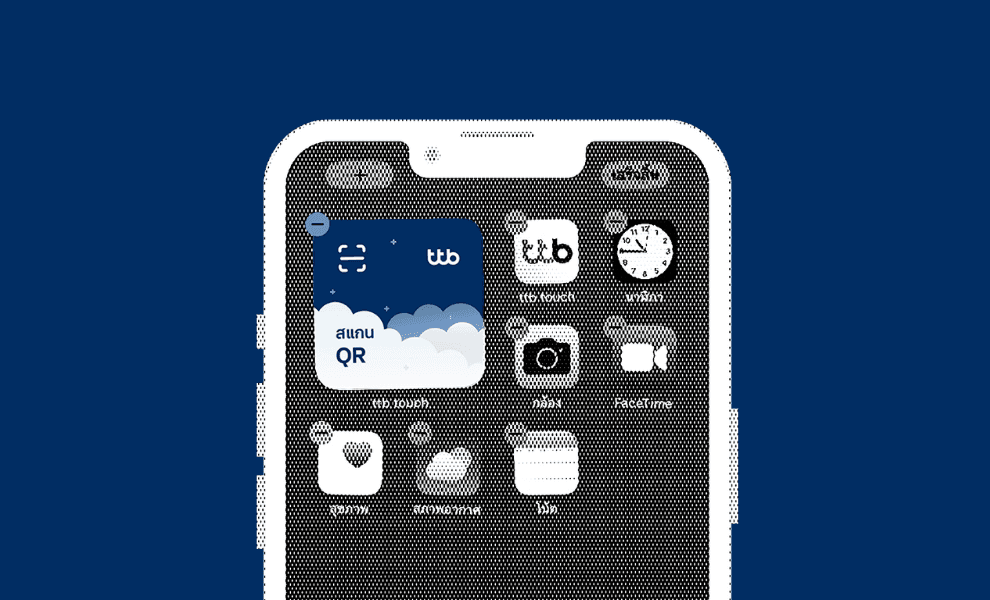
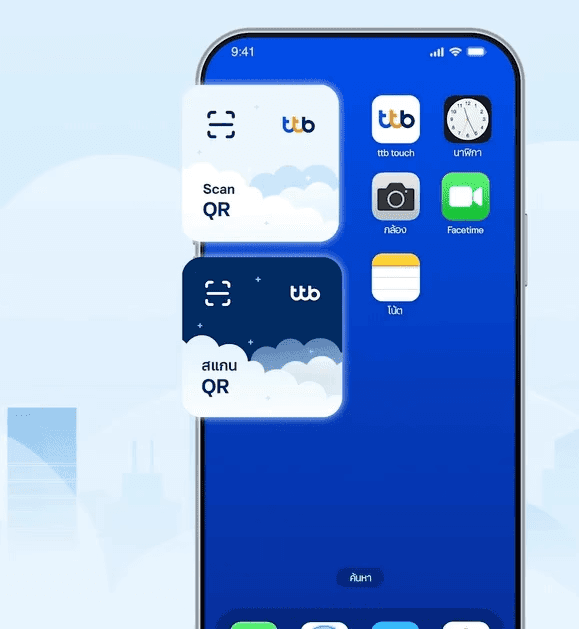
* The ttb widget is a single-function widget focused on scanning, which users can place on iOS Home Screen, Today View, and Lock Screen. Android supports basic placement, but only iOS offers the additional small circular widget type.
Key Design Considerations
Visual Consistency

Breakpoints & Grids
Ensured icons and touch targets remained consistent

Dark Mode Support
Widget Name
Widget Name
Widget Name

Label
Label
Label
Design
Design Strategy
Week 1–2: Competitive audit (10+ banking apps) + user flow mapping + platform guideline research
Week 3–6: Widget concept exploration → lo-fi prototypes → Maze usability testing (round 1)
Week 7–10: Expanded options → survey validation → narrowed to 3 core widget patterns
Week 11: Hi-fi visual polish + iOS/Android platform adaptation
Week 12: Final handoff + implementation support
Three Core Design Pillars
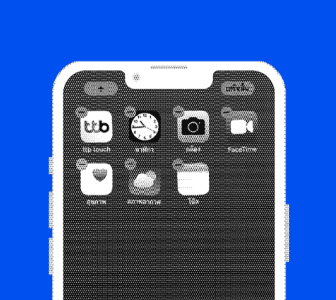
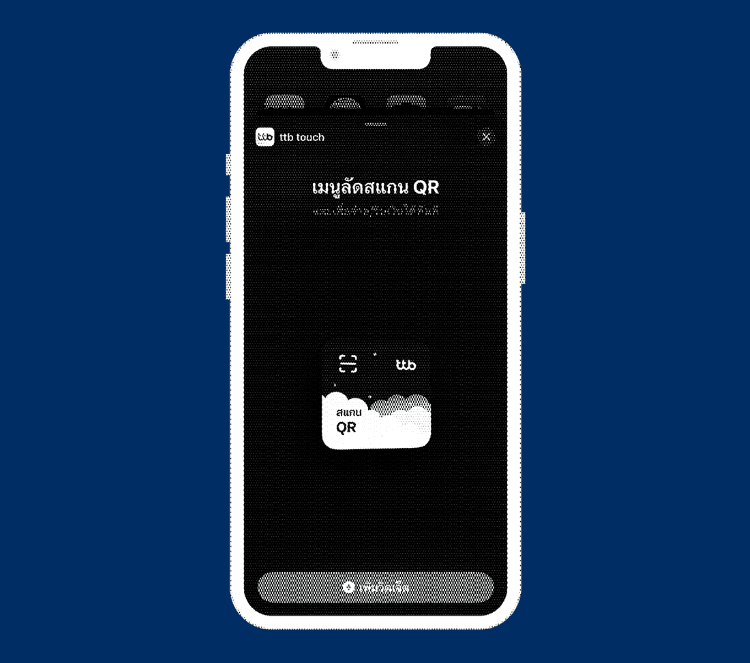
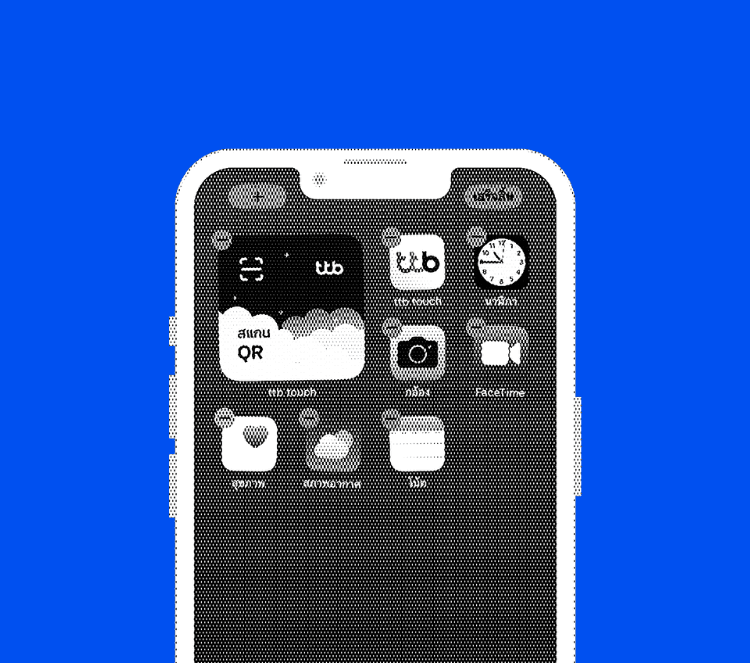
Simple & Minimal
One clear “Scan” action
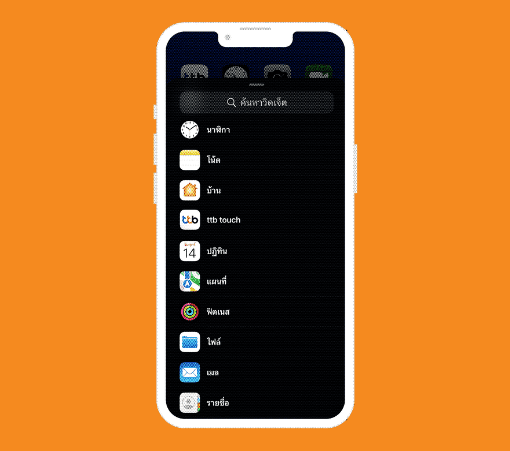
Accessible & Familiar
Copy and iconography
aligned with in‑app patterns
Branded & Consistent
Signature color system,
typography and shape language
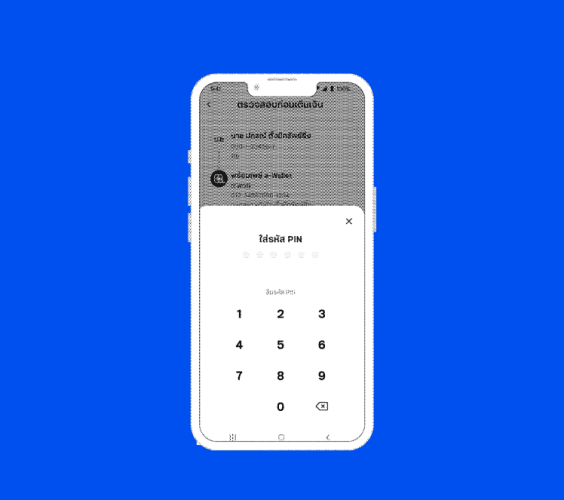
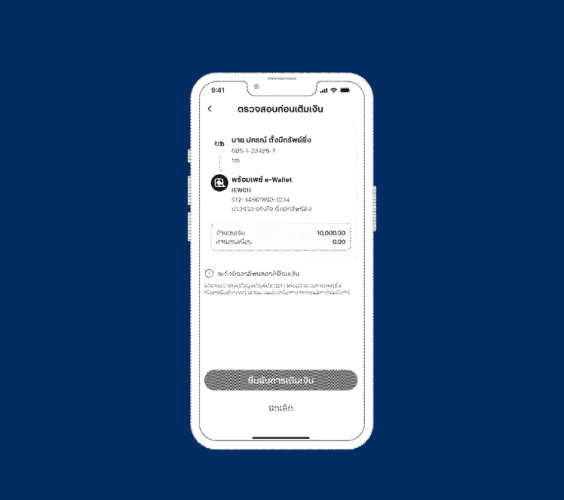
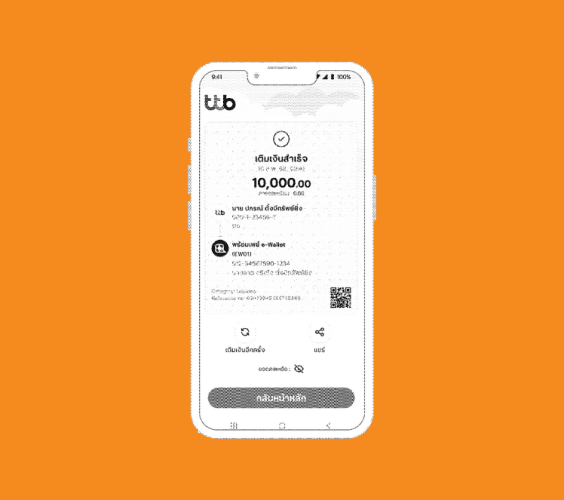
Before/After Flow
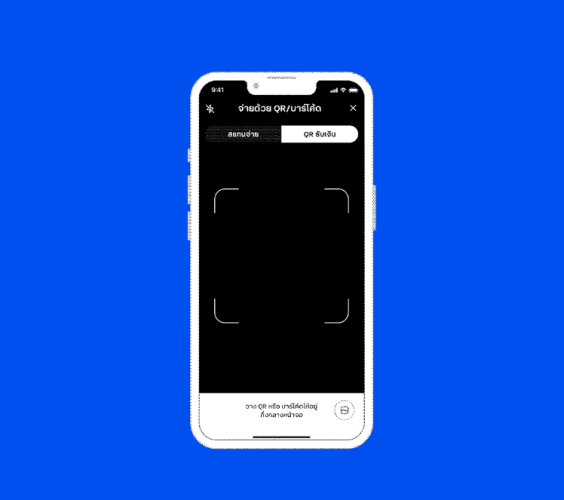
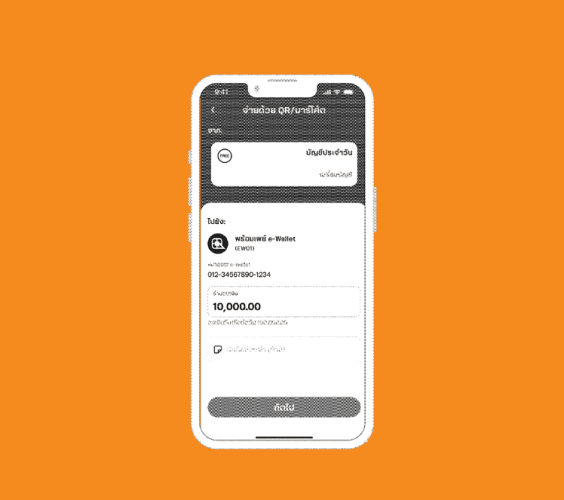
SUMMARY
Key Deliverables
1
Developer-ready
Figma files
for iOS and Android
2
Widget design system
colors, type, spacing, states, and breakpoints
Reflection
Look out for opportunity!
Proactive communication and a willingness to step up directly led to opportunities on high-impact projects
Listen before assuming
Through direct user research, I discovered unexpected behaviors. 66.67% Dark Mode preference proved research over assumptions
Business + Creativity Balance
Learned to maintain creativity under technical limits, business regulations and a strict design system
What could be improved
Adaptive Design Mindset
As iOS 26 introduced Liquid Glass, even now there's no harm in the 2024 design, I realized I didn't think about how designs must grow alongside the OS. To maximize a design's lifespan, I now prioritize adaptability over rigid styling, like using subtle layers instead of relying on flat brand colors. Every redesign costs time and money, so planning for the future is essential