ttb Spark Intern

ttb Spark Intern

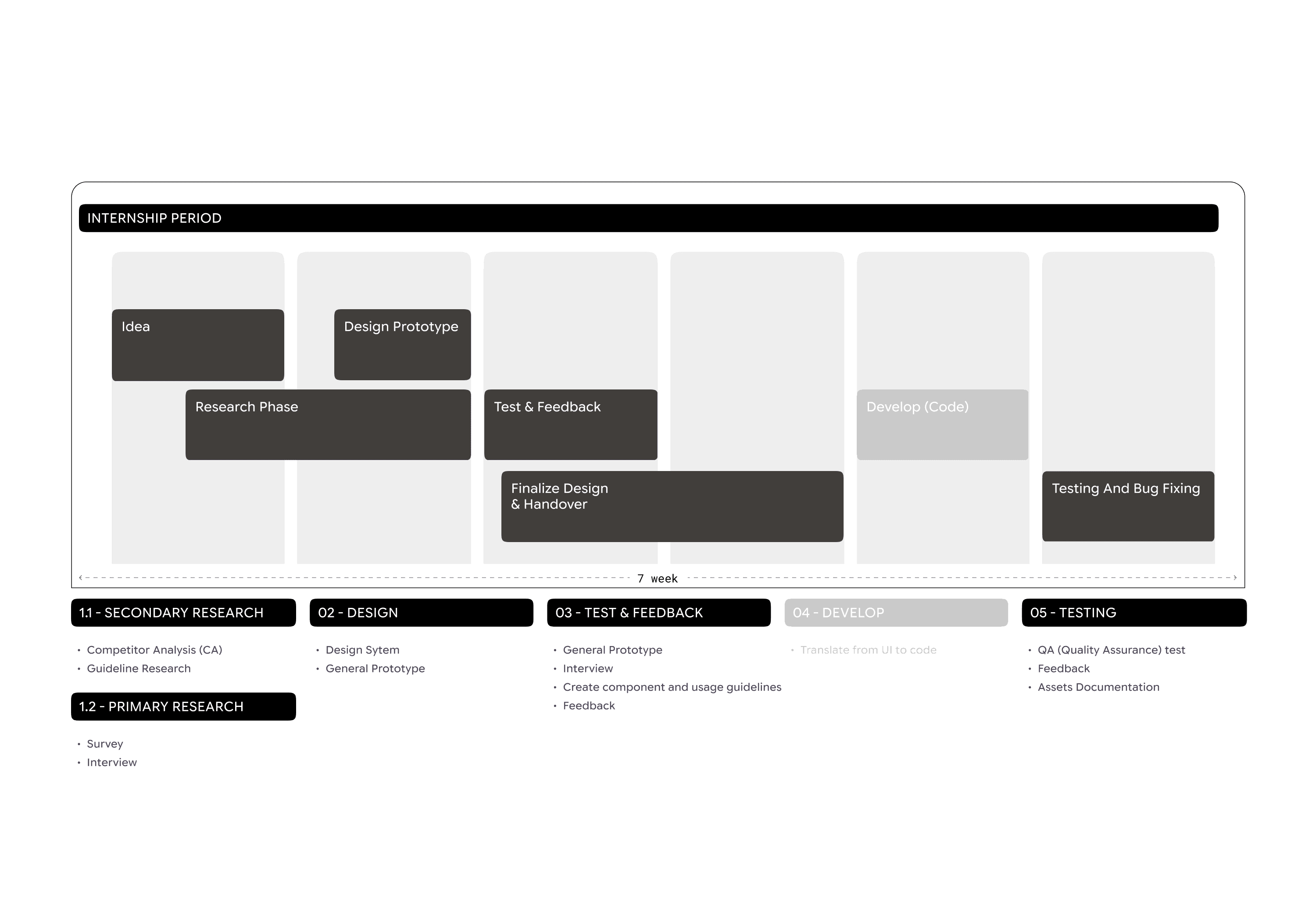
Internship at ttb Spark

Mobile Banking Application | User Research & Product Design | Jul-Oct, 2024

about the project

The project objective was to drive digital adoption and efficiency within the mobile application by designing a high-speed QR scan widget. I participate in the full life cycle from discovery to launch, aiming to reduce redundancy in the user flow, resulting in significant time savings for millions of customers.
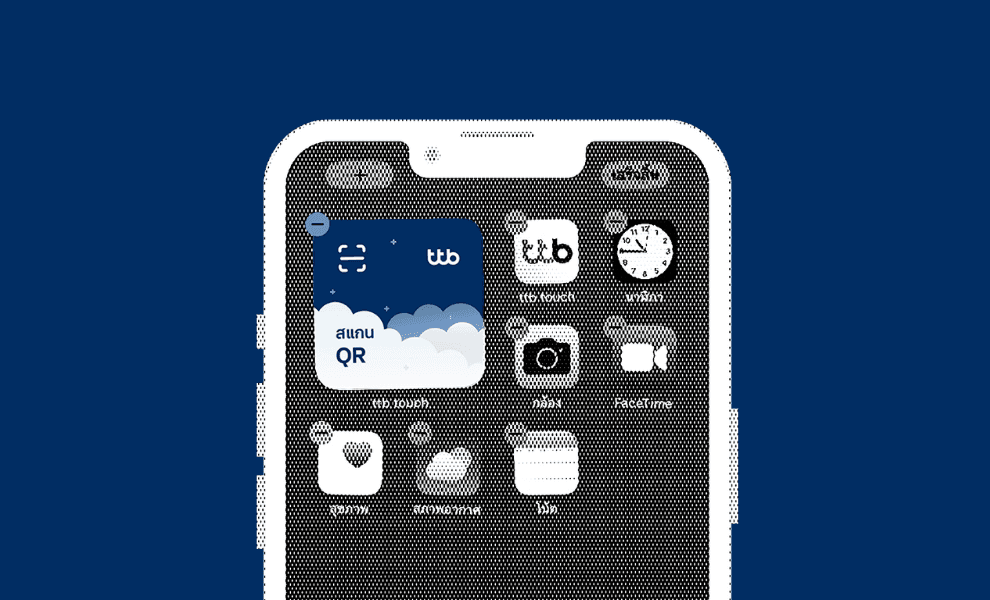
The scan widget will provide an option that enhances the user experience by reducing redundancy in the user flow, resulting in time savings

The scan widget will provide an option that enhances the user experience by reducing redundancy in the user flow, resulting in time savings

The scan widget will provide an option that enhances the user experience by reducing redundancy in the user flow, resulting in time savings

Design Process
research Guidelines

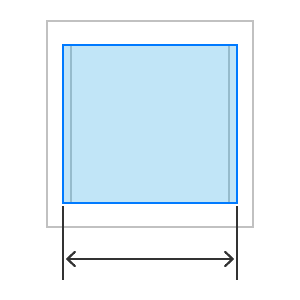
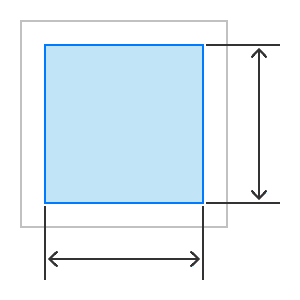
To define current widget design standards, I researched platform guidelines and analyzed available widgets across devices. This informed best practices for usability, performance, sizing, and platform alignment.
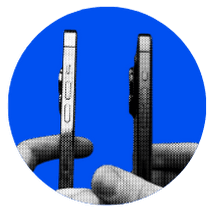
Devices-based
  • Follow platform-specific guidelines

  • Follow platform-specific guidelines

  • Follow platform-specific guidelines

  • Ensure compatibility across device

Widget Types
  • Identify the core function of the widget

  • Consider where, when and how it will be used

Best Practices
  • Keep it simple & clarity

  • Ensure consistency with platform UI patterns

Best Practices
  • Keep it simple & clarity

  • Ensure consistency with platform UI patterns

Platform Design Specifications
IOS

On iOS, widgets can be placed in

  • Home Screen

  • Today View

  • Lock Screen

Purpose

  • Single-function: Shows one key info

  • Multi-function: Shows more content

  • Circular/Compact: Great for small spaces like Lock Screen or Apple Watch.

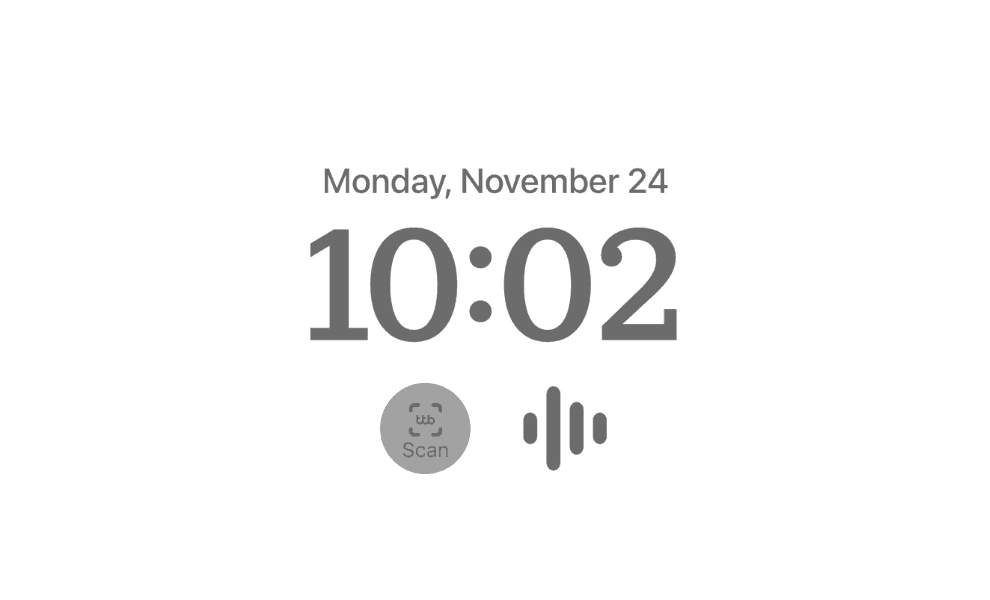
* ttb widget is a single-function widget which is scan and user can place widget in Home Screen, Today view, lock screen on ios but only in ios user can also add small circular widget type
Android

Accessibility

  • More flexible — can be resized and moved freely on the Home Screen.

  • Interactive — can include buttons (e.g. play music, turn on lights).

9:41

Mon 6

􀋞 No Alarm

WIDGET

WIDGET

Cancel

Done

9:41

Mon 6

􀋞 No Alarm

WIDGET

WIDGET

Cancel

Done

9:41

Mon 6

􀋞 No Alarm

WIDGET

WIDGET

Cancel

Done

* ttb widget is a single-function widget which is scan and user can place widget in Home Screen, Today view, lock screen on ios but only in ios user can also add small circular widget type

Widget Name

Add Widgets

Widget Name

12 AM

–1.0

6.7

6 AM

12 PM

6 PM

precipitation

YOUR
WIDGET

MON

6

CUP

AM

9:41

Today 50%

RAIN

50

App Name

Notes

Devices

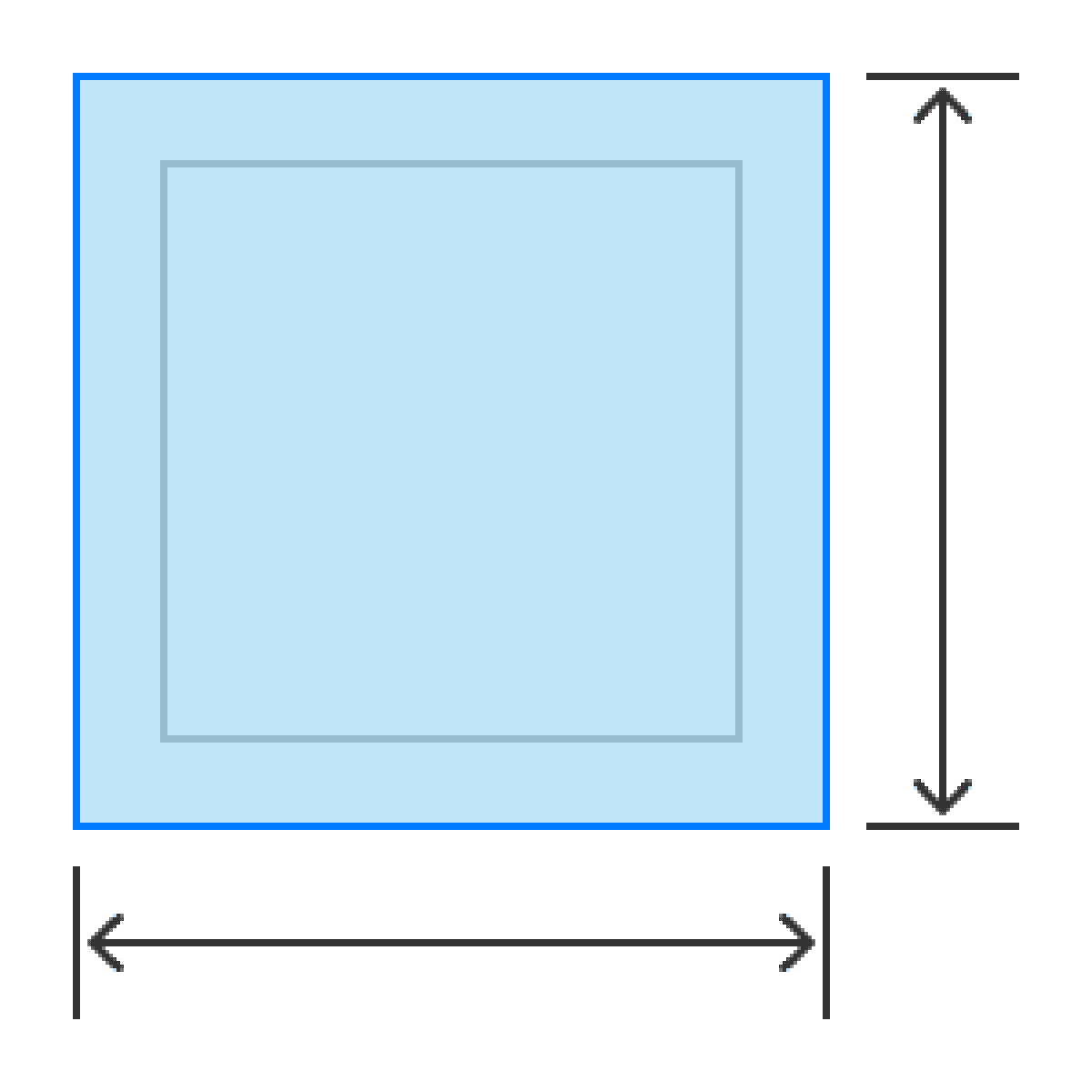
Designing consider different screen size and breakpoints, responsive behavior, consistency across each sizes (such as color, spacing, typography)

Designing consider different screen size and breakpoints, responsive behavior, consistency across each sizes (such as color, spacing, typography)

Widget Name

􀿫

Label

Label

􀿫

Label

Widget Name

Add Widgets

Widget Name

12 AM

–1.0

6.7

6 AM

12 PM

6 PM

precipitation

YOUR
WIDGET

MON

6

CUP

AM

9:41

Today 50%

RAIN

50

App Name

Notes

Add Widgets

Widget Name

12 AM

–1.0

6.7

6 AM

12 PM

6 PM

precipitation

YOUR
WIDGET

MON

6

CUP

AM

9:41

Today 50%

RAIN

50

App Name

Notes

Develop

After the design phase, three options were selected for each widget type, followed by a user survey to understand user preferences and the reasoning behind their choices.

Simple & Minimal
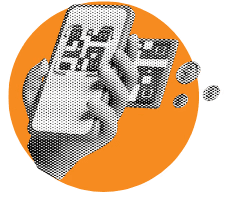
Clear message
  • Ensure familiarity and consistency by cooperating with the UX writer
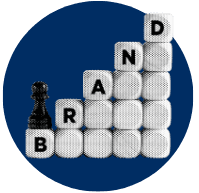
Brand Identity
  • Color scheme

  • Visual elements

  • style

Design Quality
  • Color & contrast

  • Consistency across devices

Key Takeaway
  • User Research Methods

How to gather insights directly from users instead of making assumptions.

  • Collaboration

Working closely with designers, UX writers, and developers to align ideas and deliver solutions.

  • End-to-End Project Experience

Participated from Day 1 of the project until launch, seeing the full impact of design in real life.

  • Communication & Handover

Learning how to communicate effectively through both words and design documentation.

  • Structured Problem-Solving

Applied a comprehensive UX Design Framework  (Research → Analysis → Prototyping → Testing) to validate high-fidelity solutions.

Applied a comprehensive UX Design Framework  (Research → Analysis → Prototyping → Testing) to validate high-fidelity solutions.

  • Company-Wide Communication

Every week the design team presented progress across departments; I learned to create concise slides, communicate design decisions clearly, and present results in front of 100+ people.

Key Takeaway
  • User Research Methods

How to gather insights directly from users instead of making assumptions.

  • Collaboration

Working closely with designers, UX writers, and developers to align ideas and deliver solutions.

  • End-to-End Project Experience

Participated from Day 1 of the project until launch, seeing the full impact of design in real life.

  • Communication & Handover

Learning how to communicate effectively through both words and design documentation.

  • Problem-Solving Process

Going through each step of the UX process to identify issues and design solutions.

  • Company-Wide Communication

Every week the design team presented progress across departments; I learned to create concise slides, communicate design decisions clearly, and present results in front of 100+ people.

Design Process

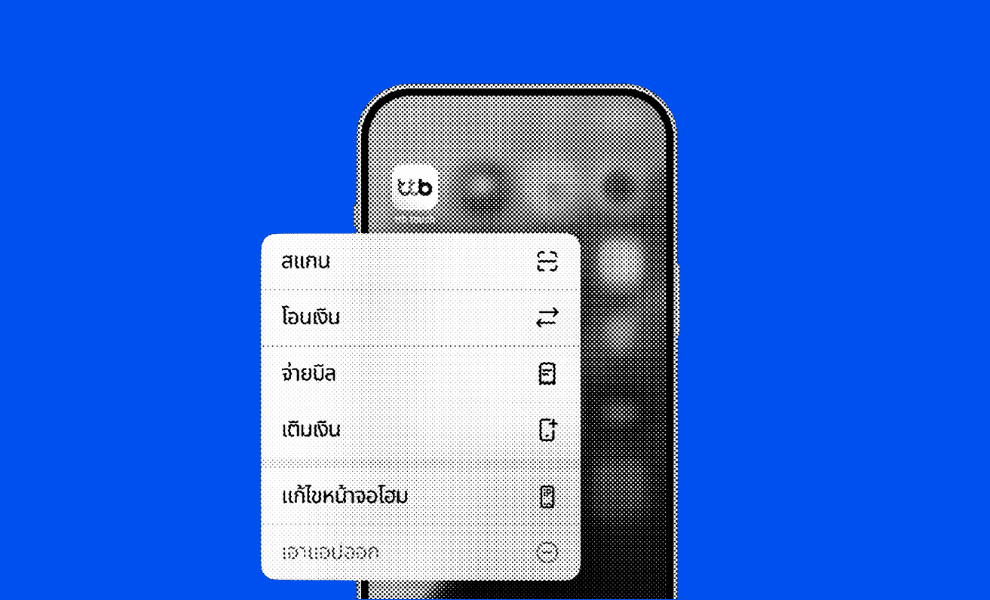
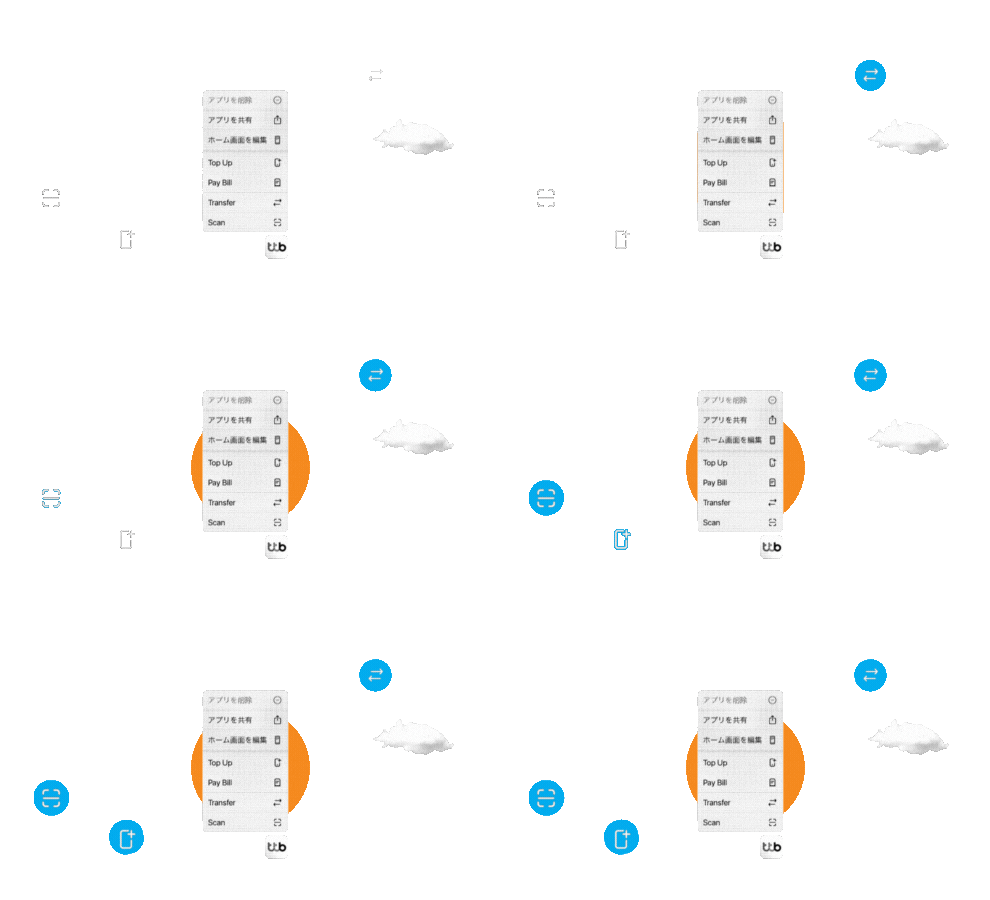
With the advanced of 3D touch users with a 3D Touch devices can get a menu of available quick actions when they touch and hold an app icon

With the advanced of 3D touch users with a 3D Touch devices can get a menu of available quick actions when they touch and hold an app icon

With the advanced of 3D touch users with a 3D Touch devices can get a menu of available quick actions when they touch and hold an app icon

Besides 'Scan,' what other primary functions should be accessible via a quick shortcut?

Considerations
Engagement VS. Loved by Users
Engagement
VS. Loved by Users
Familiar Icons
Familiar Words
Design Guidelines
Usage Flow
Handover
Design Guidelines
Familiar Words
Icon Design

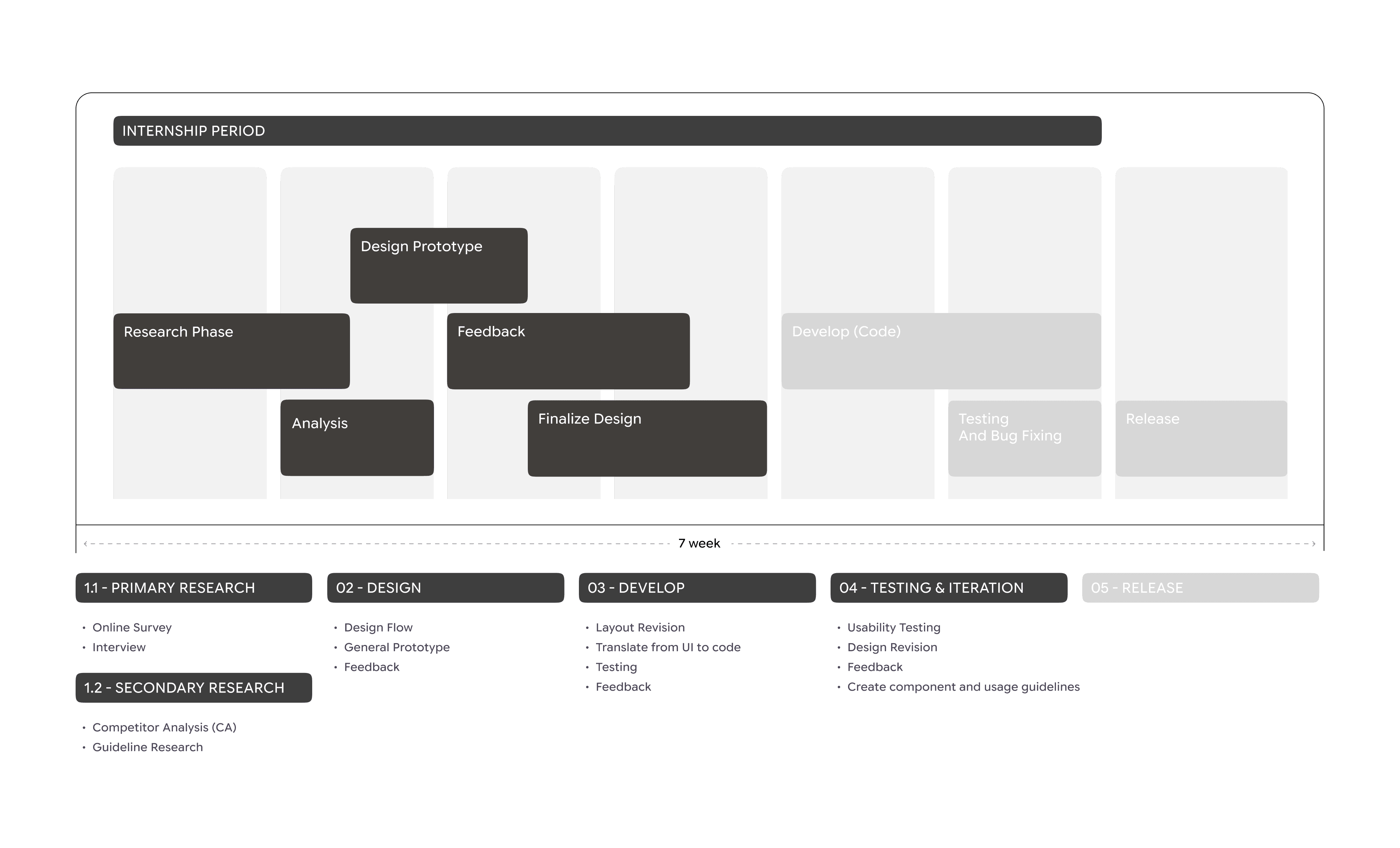
I conducted primary (interviews, surveys with varied participants) and secondary competitive research to understand user needs. Insights were synthesized into a persona, problem statement, and user journey map.
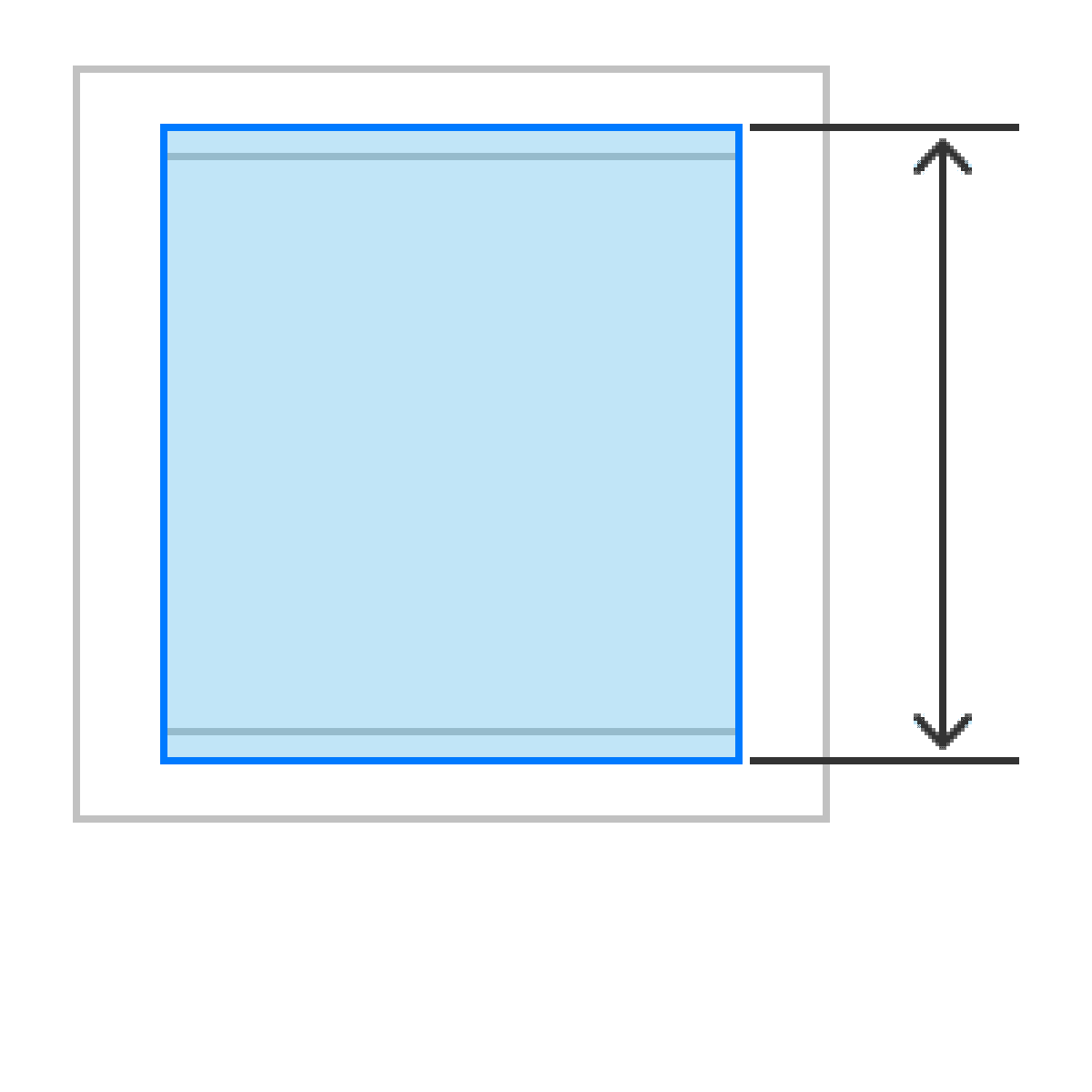
Word Choices

Defined application copy with the UX Writer, ensuring it meets content guidelines, layout constraints, consistent voice/tone, clarity, and competitive differentiation.

WORK
PLAY
About
WORK
PLAY
About
WORK
PLAY
About

Rujirekha

Rujirekha

© Rujirekha

© Rujirekha

00:02 GMT+9

神戸, Japan

神戸, Japan